The average law firm runs 3–5 disconnected tools — practice management in one system, accounting in another, trust accounting in a third, and time tracking in a fourth. Every month, someone reconciles between them manually. Every month, something doesn’t match.
That fragmentation costs real money. Firms using disconnected systems spend 12–18 hours per month on duplicate data entry and reconciliation that integrated stacks eliminate entirely. Worse, manual trust accounting workflows are where compliance violations hide.
This guide breaks down the three architectural approaches to law firm bookkeeping software, compares eight platforms head-to-head, and gives you a specific recommendation based on your firm size.
Before comparing individual tools, understand the three ways firms structure their tech stack. Each involves a different trade-off between simplicity and flexibility.
Examples: CosmoLex, Zola Suite
One platform handles practice management, billing, trust accounting, and general accounting. No integrations to maintain, no sync errors, no duplicate entry.
The trade-off: You’re locked into one vendor’s version of everything. If their billing module is weaker than Clio’s, you live with it. Updates happen on their timeline, not yours.
Best for: Firms that want simplicity and are willing to accept “good enough” across every function to avoid integration headaches.
Examples: Clio + QuickBooks Online + LeanLaw, PracticePanther + QBO
Pick the best tool for each job — Clio for practice management, QuickBooks for accounting, LeanLaw as the bridge for trust accounting and legal billing. Integrations connect the pieces.
The trade-off: More moving parts. You’re managing 2–3 vendor relationships and relying on integration reliability. When Clio pushes an API update, LeanLaw needs to keep pace.
Best for: Firms that want best-in-class tools in each category and have the operational maturity (or a bookkeeper) to manage the stack.
Examples: QuickBooks Online alone, Xero alone
Use a standard accounting platform without legal-specific add-ons. Handle trust accounting in spreadsheets or a separate tool.
The trade-off: No native IOLTA tracking, no three-way reconciliation, no matter-level profitability. You’re building workarounds for features that legal-specific tools include out of the box.
Best for: Solo practitioners with minimal trust activity who want to keep costs under $50/month. Everyone else outgrows this fast.
| Software | Type | Trust / IOLTA Accounting | Pricing (per month) | Best For | Key Integrations |
|---|---|---|---|---|---|
| Clio Manage | Practice Management | Via LeanLaw or TrustBooks add-on | $49–$149/user | Firms wanting best-in-class PM + modular accounting | QBO, Xero, LeanLaw, Stripe, Outlook, Google Workspace |
| CosmoLex | All-in-One | Built-in, 50-state compliant | $99–$149/user | Firms wanting one platform for everything | Clio (migration), QuickBooks (data import), LawPay |
| QBO + LeanLaw | Modular Accounting | LeanLaw adds trust accounting to QBO | QBO $35–$235 + LeanLaw $60–$90/user | Firms already on QBO that need legal trust compliance | Clio, PracticePanther, Rocket Matter, LawPay |
| PracticePanther | Practice Management | Built-in basic trust accounting | $59–$99/user | Small firms wanting PM + billing with built-in trust | QBO, Xero, LawPay, Stripe, Zapier |
| Smokeball | All-in-One | Built-in trust accounting | $89–$179/user | Litigation-heavy firms needing deep document automation | QBO, Xero, LawPay, InfoTrack, Microsoft 365 |
| MyCase | Practice Management | Built-in trust accounting | $49–$99/user | Budget-conscious small firms | QBO, LawPay, Dropbox, Google Calendar |
| Xero | General Accounting | Via TrustBooks add-on only | $16–$78 | Firms preferring Xero’s UI who’ll add legal modules | Clio, TrustBooks, Stripe, 1,000+ apps |
| Tabs3 | Legal Billing + Accounting | Built-in, mature trust module | Custom pricing (typically $50–$100/user) | Established firms with legacy workflows | PracticeMaster, QuickBooks (limited), Microsoft Office |

Pricing is per-user. A 5-attorney firm on CosmoLex at $149/user pays $745/month before adding support staff seats. The same firm on Clio Manage ($89/user) + QBO Advanced ($235/month) + LeanLaw ($75/user) pays roughly $1,055/month — more expensive, but with stronger tools in each category.
“Built-in trust accounting” varies wildly. PracticePanther’s trust module handles basic IOLTA tracking. CosmoLex’s handles three-way reconciliation across all 50 states. Ask vendors specifically: “Does your trust module produce a three-way reconciliation report that satisfies my state bar’s audit requirements?”
Every other software decision is a preference. Trust accounting compliance is a bar license requirement. Get this wrong and you’re facing disciplinary action, not just inefficiency.
ABA Model Rule 1.15 mandates that client funds be held in separate IOLTA accounts, never commingled with operating funds. Your state bar likely adds specific requirements on top:
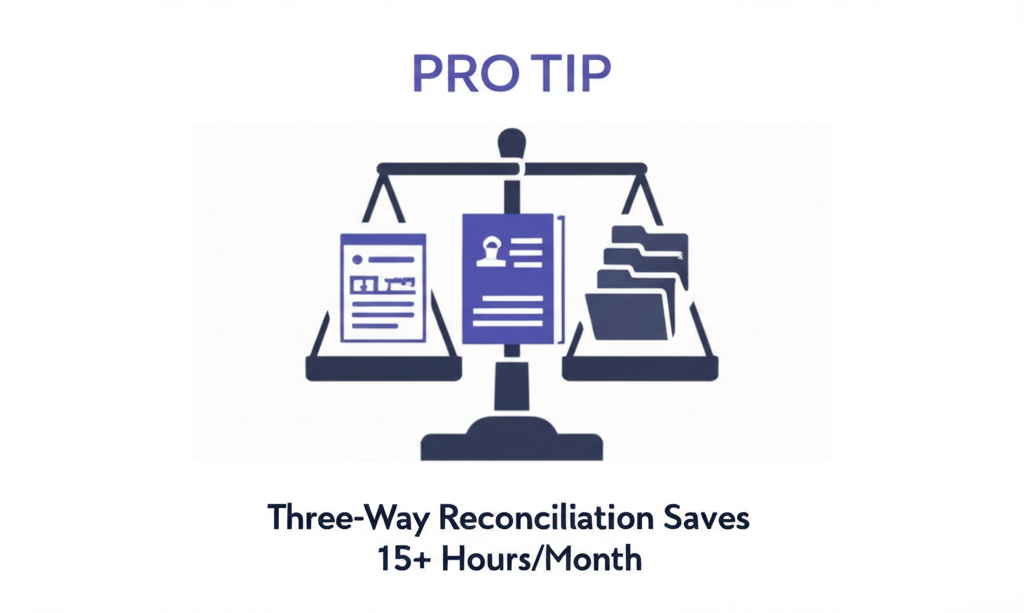
Three-way reconciliation means matching three numbers every month:
All three must match to the penny. A $0.01 discrepancy means something is wrong.
Firms doing this manually in Excel spend 8–12 hours per month on reconciliation alone. Legal accounting software with native trust modules reduces that to 30–60 minutes — a savings of roughly 15 hours monthly or $3,000–$6,000/year at typical staff billing rates.
| Trust Capability | Native (Built-In) | Requires Add-On |
|---|---|---|
| IOLTA ledger tracking | CosmoLex, Smokeball, PracticePanther, MyCase, Tabs3 | Clio (needs LeanLaw), QBO (needs LeanLaw), Xero (needs TrustBooks) |
| Three-way reconciliation reports | CosmoLex, Smokeball, Tabs3, LeanLaw | PracticePanther (limited), MyCase (limited) |
| Multi-state IOLTA compliance | CosmoLex, LeanLaw | Most others require manual configuration |
Here’s a framework to quantify your compliance risk:
Annual Trust Risk Cost = (Hours on manual reconciliation x Staff rate) + (Error probability x Average disciplinary fine)
Example: 10 hrs/month x $50/hr = $6,000/year in labor. If manual processes create even a 2% annual probability of a compliance finding with an average $15,000 fine, that’s $300 in expected cost — totaling $6,300/year that proper IOLTA accounting software eliminates.
That number climbs fast with firm size. A 10-attorney firm handling 200+ client trust balances faces exponentially more reconciliation complexity.
Recommended stack: CosmoLex ($99/user/month)
At this size, simplicity wins. CosmoLex gives you practice management, accounting, billing, and trust accounting in one login. No integrations to manage, no sync issues.
Alternative: PracticePanther ($59/user) + QBO Simple Start ($35/month) if you want lower cost and can handle basic trust tracking. Add LeanLaw ($60/user) when trust volume grows.
Monthly cost range: $99–$154
Recommended stack: Clio Manage ($89/user) + QBO Plus ($99/month) + LeanLaw ($75/user)
At 3+ attorneys, you need Clio’s superior practice management — workflow automations, client intake, robust reporting, and the deepest integration ecosystem in legal tech. LeanLaw bridges Clio and QBO, handling trust accounting and legal billing inside QuickBooks.
This stack gives you:
– Matter-level profitability reporting (which matters generate fees vs. which drain resources)
– Automated time entry sync from Clio to QBO via LeanLaw
– Three-way trust reconciliation in LeanLaw
– Bank feeds and standard accounting in QBO
Monthly cost for a 5-attorney firm: ~$920 (5x Clio + QBO Plus + 5x LeanLaw)
Recommended stack: Clio Manage ($149/user, Suite tier) + QBO Advanced ($235/month) + LeanLaw ($90/user)
At this scale, upgrade to Clio’s Suite tier for BI dashboards, advanced permissions, and revenue intelligence. QBO Advanced adds custom roles, batch invoicing, and dedicated support. Consider adding:
Monthly cost for a 15-attorney firm: ~$3,825 (15x Clio Suite + QBO Advanced + 15x LeanLaw)
Do not run QuickBooks Online alone for a firm handling client trust funds. QBO has no concept of IOLTA accounts, client ledgers, or three-way reconciliation. You’ll build spreadsheet workarounds that create exactly the compliance gaps trust accounting rules exist to prevent.
Do not use separate, unconnected tools for time tracking, billing, and accounting. Every manual data transfer is a potential error. If your billing software doesn’t sync to your accounting software, you’re paying someone to re-enter data that should flow automatically.

Choosing the right law firm bookkeeping software is step one. Keeping it accurate every month is the ongoing job. That’s where a bookkeeper with legal industry experience changes the equation.
At Steph’s Books, we don’t ask you to switch platforms. You choose the software; we work inside it. Our team operates directly in your existing tools:
We work in Clio, CosmoLex, QuickBooks Online, Xero, LeanLaw, PracticePanther, and Smokeball. If your firm runs it, we’ve likely seen it. Our onboarding includes a full tech stack review to identify integration gaps and redundant tools.
Firms that hand off bookkeeping to a specialized team typically reclaim 15–25 hours per month of attorney or office manager time. At a blended attorney rate of $300/hour, that’s $4,500–$7,500/month in recovered capacity — time that goes back to billable work.
Answer a few quick questions for an instant, no-obligation quote — no sales call required. See how Steph's Books saves you 40-60% vs. hiring in-house.
